How Zekerly works
From adding a payee to receiving verified bank details, Zekerly handles the collection, verification, and record keeping. You keep paying the way you always have.
The process
Add a payee
Add a new payee in your ERP, or upload a list.
- You
- Add the payee, or upload a list.
- Your payee
- Nothing yet.
- Zekerly
- Sets up the request.
The payee receives a secure link
Zekerly sends a secure, branded request to the payee on your organization's behalf. The payee does not create an account or password.
- You
- Nothing.
- Your payee
- Opens the link.
- Zekerly
- Sends the request and tracks it.
The payee enters their details
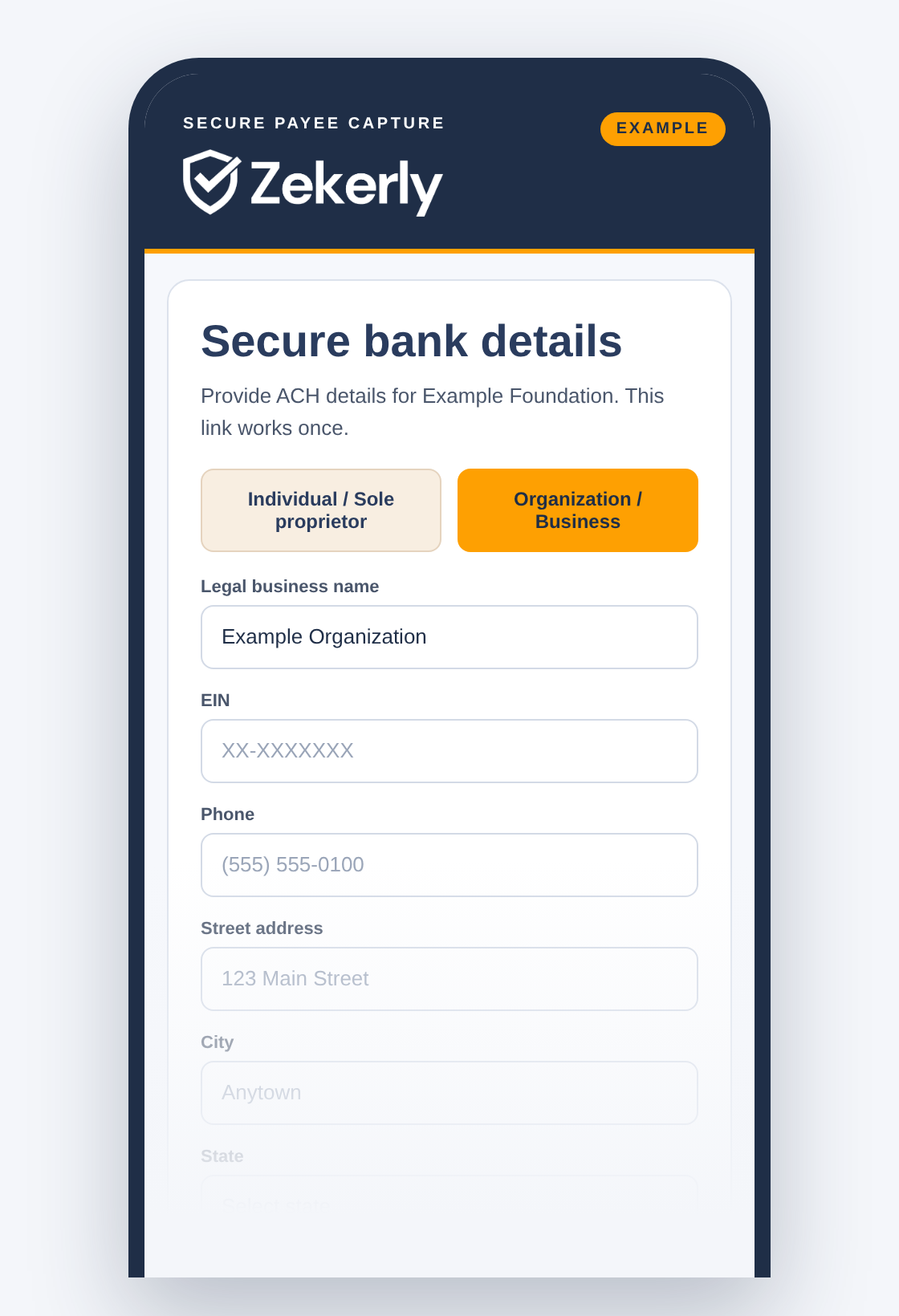
The payee enters their ACH information and business or organization details on a short, secure form.
- You
- Nothing.
- Your payee
- Fills in a short form.
- Zekerly
- Tokenizes the account number as it is entered.
Zekerly verifies
Zekerly runs a multi-point verification process. See the full list below.
- You
- Nothing.
- Your payee
- Nothing.
- Zekerly
- Runs the checks.
Verified details are delivered
Verified details are delivered to your ERP or to a location you control. If a check raises a concern, Zekerly flags it so your team can confirm the details. If a check fails outright, the submitted details are blocked and can’t be used.
- You
- Confirm anything flagged, then pay as usual from your own bank.
- Your payee
- Nothing.
- Zekerly
- Delivers verified details, blocks failed ones, and logs the result.
Ongoing protection
Verified accounts are re-checked periodically. When a payee’s bank details change, your team starts a change request in Zekerly, and Zekerly sends the payee a new secure link. The new details go through the same verification.
- You
- Start the change request.
- Your payee
- Opens the new secure link.
- Zekerly
- Sends the link, verifies the new details, and logs every step.
Simple for your payees
Your payees are paid the way they prefer.
A secure link and a short form
No login, no new bank account, nothing to maintain
No fees taken from their payment, and no cards or early-pay offers
Multi-point verification
Every payee goes through the same set of checks before any details reach your ERP.
Account ownership and bank account details
Account age and activity, including newly opened accounts, dormant accounts, and account takeover markers
Email and web domain checks, including recently created domains and their association with the payee organization
Location risk, including the submitter's proximity to the payee and variations in IP location
The submitter's association with the entity and account
OFAC sanctions screening and known fraud indicators, such as flagged identities, accounts, domains, and IPs
You keep your bank and your process
Zekerly never sends, moves, or holds money. Verified details are delivered to your ERP, or to a location you control, and you continue to make payments through your own bank. Zekerly works with any ERP.
Account numbers are tokenized, never stored in Zekerly systems, and every step is logged to support your 2026 Nacha fraud monitoring requirements.
Getting started
We connect to your setup
We agree on how verified details will reach your ERP or your chosen location.
Set up your account
Add your organization's details and your payees.
Send your first requests
Setup takes about two days, so you can begin sending payee requests the same week.
See it with your ERP and bank.
Schedule a 30-minute demo and we will walk through how Zekerly would work for your team.